
Cover Redesign

Cover Redesign

BEFORE

Challenge

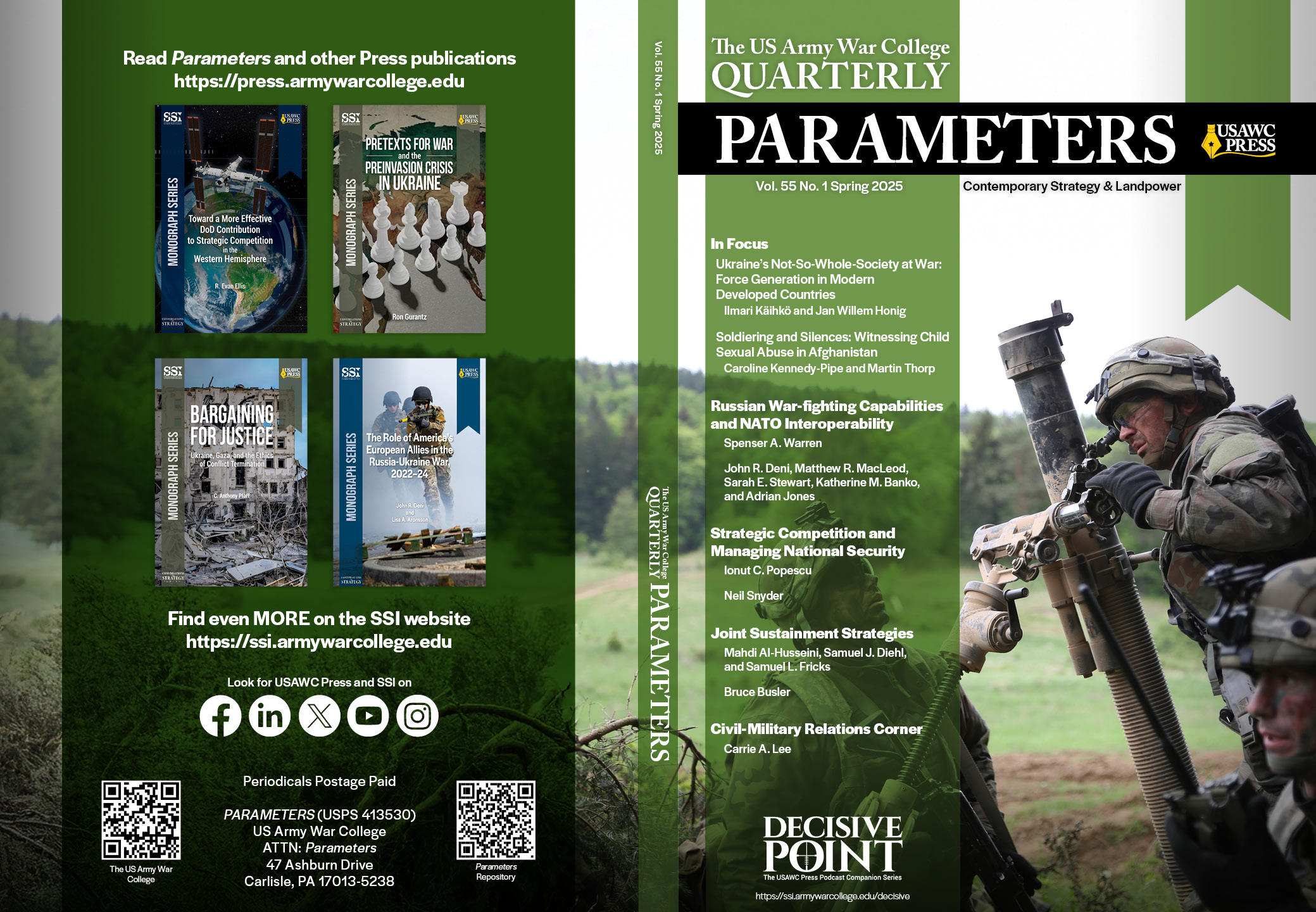
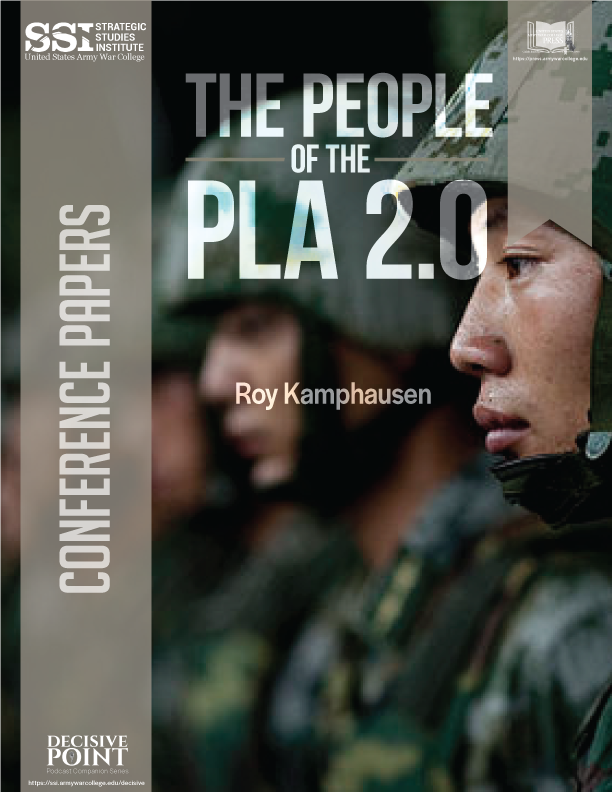
The publication series relied on a generic template that offered little visual distinction between titles and did not support broader marketing efforts.

Solution

Proposed and developed a cohesive cover system, redesigned interior templates, updated front and back matter, and expanded the visual identity into promotional graphics and launch materials.

Outcome

The redesigned system became the ongoing standard for the publication series and continues to be used today.

AFTER (First Iteration)
Countering Terrorism on Tomorrow’s Battlefield

Countering Terrorism on Tomorrow’s Battlefield

Countering Terrorism on Tomorrow’s Battlefield

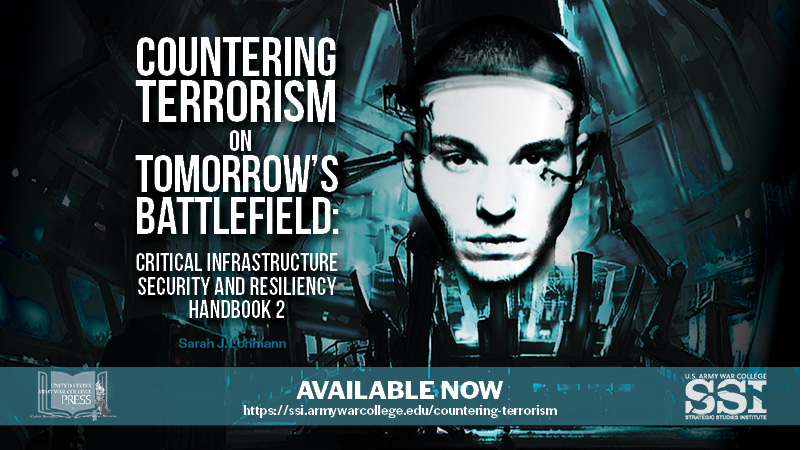
Initially the plan was for just a custom cover for a handbook written in partnership with NATO. The design collateral expanded to include a promotional video and graphics for the book launch, followed by a webinar, all of which I published to the USAWC SSI website (US Army War College, Strategic Studies Institute). It was also released on the USAWC Press digital commons site and social media channels.

The Design Brief:

This book focuses on AI, drones, space, and technology. The author requested futuristic style cover showing a satellite and astronaut, or something similar. As it was in partnership with NATO, it would need that seal in addition to SSI/Press logos.

I sought relevant imagery, edited and combined them in Photoshop to make them more interesting and impactful, then developed the layouts using Illustrator and InDesign (the title format and cover layout are based on previous projects from the rebranding I implemented for the Press, more on that later).

Initial Design Concepts:

The author liked the eerie feeling elicited by the 4th version, and asked that I continue that vibe with the promo video. She wanted it “creepier”, so after a few design tweaks, I used the book cover background to create a 16:9 graphic for the announcement page’s featured image on the SSI site, on social media, and as the video thumbnail for YouTube.

For the book launch promotional video, I first curated dozens of media clips and music, then used Adobe PremierPro to stitch them together. After blending the scenes together using different overlays, effects, and transitions – all in-sync with a haunting soundtrack – I ended the video with a book mockup graphic, link, credits to clip sources, and stakeholder logos. The author was delighted, as was the team at SSI.

A Bit More

Although the thumbnail is the same here, this video is for the book launch webinar, which I edited to improve sound levels, add speaker titles, focus on / crop and relocate speakers, and add text slides.* Lastly, I split the promo video to serve as both intro and outro.
*She had not used a slide deck on the live event, so I also reworked her PowerPoint presentation to improve appearance and legibility, but without changing the overall style.

The full webinar and book are available on the SSI site (which I redesigned and maintained until summer 2025).

Tutorial Videos

Tutorial Videos

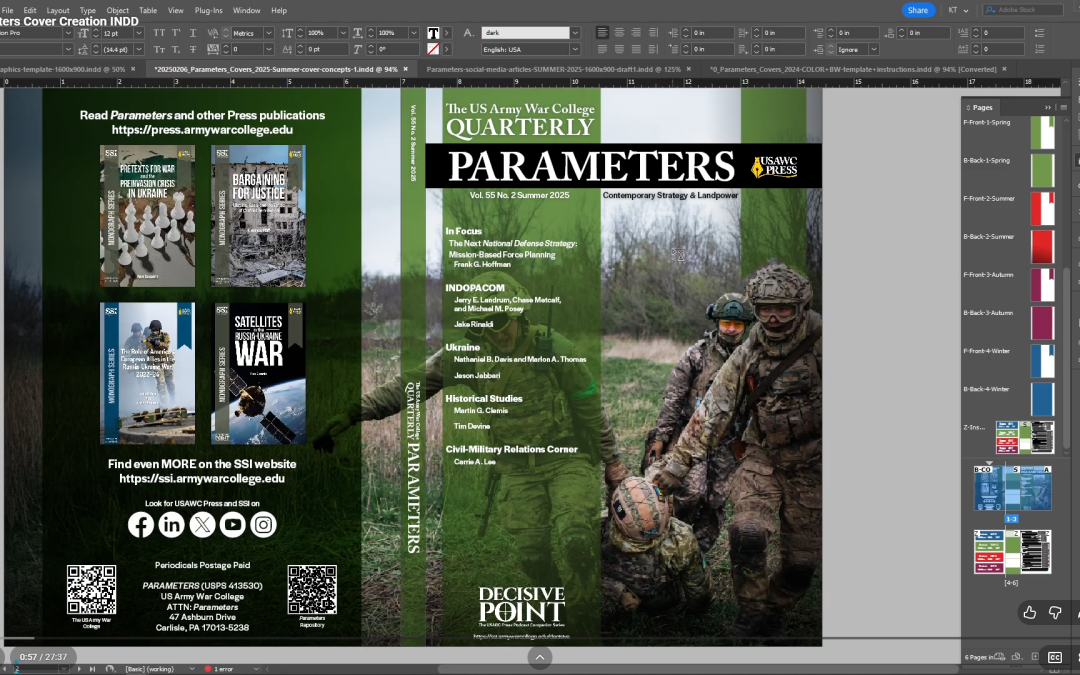
Parameters Cover Creation INDD and other Tutorials


Tutorial I recorded before leaving my prior position to train my replacement on how to use the original Adobe InDesign template I developed for creating and updating the quarterly Parameters covers. I explain and demonstrate how the template works and how to add new content and images, and make changes for it to adjust to each season. Also explain how and where to get the photos we used for the covers and briefly touched on expanding photo edges/background using generative AI.

The Design Process:

After redesigning the cover layouts for Parameters, I created custom templates to keep the look consistent. Two years later, when it came time to train my replacement, I recorded videos demonstrating how to use the template files, including where and how to update the various elements.

Some Cover Examples Utilizing the Parameters and Monograph Templates

Generative AI Tutorial

Short tutorial I recorded before leaving the Army War College to train my replacement how to use Generative AI for images on the quarterly Parameters covers. (All of the images and covers in the video are ones I created for the Army War College.)

This may be better described as a “what not to do,” as I emphasize the importance of on not adding new anything to the image that would change its meaning. I was only  using AI to extend the edges/background to allow the most impactful parts of the photos fall within the front cover frame.

Website Specialized Code Update

Another short video tutorial, though this one is really only relevant for sites running or Bootstrap requring hand-coding. AFPIMS had some significant design limitations and our editor wanted a carousel. So I built one. Due to the oddities of the web.mil platform and our site specifically, it was a challenge to update, so this video explained to my replacement how to do that. It also gives a little tour of the site since all of the social media and cover graphics are also mine.